

Basic
Starter pack for Undress AI image editing.
500credits
$9.99one-time
Images: up to 50
Basic · Credits per image: 10
- ✓One-time purchase
- ✓Use credits for Undress AI
- ✓Access to supported image editing workflows
- ✓Credits valid for 365 days
Private AI clothes remover
Upload a consenting adult reference image, describe the final look, and create a realistic AI photo edit with Basic or Pro quality. DeepSpicy gives creators a private image-to-image workflow with prompt control, clear credits, and fast iteration.
Reference image
Upload JPG/PNG/BMP/WEBP/HEIC/AVIF (max 18MB). Use only consenting adults (18+).
A simple image-to-image workflow for adult photo editing: upload a reference image, write a prompt, choose a model, then generate.
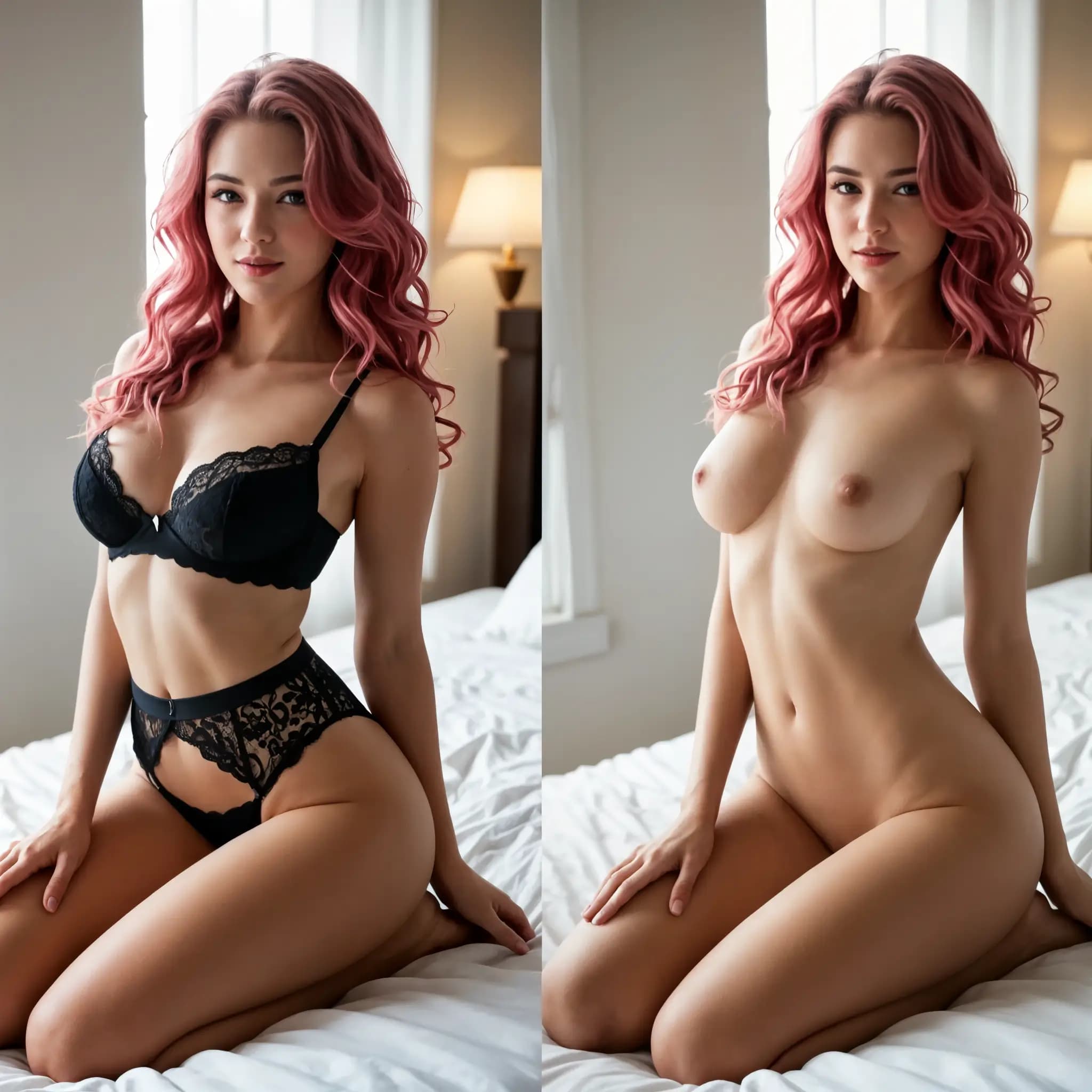
Start with a clear image of a consenting adult aged 18 or older. Good lighting, visible pose, and simple framing help the AI preserve the original composition.
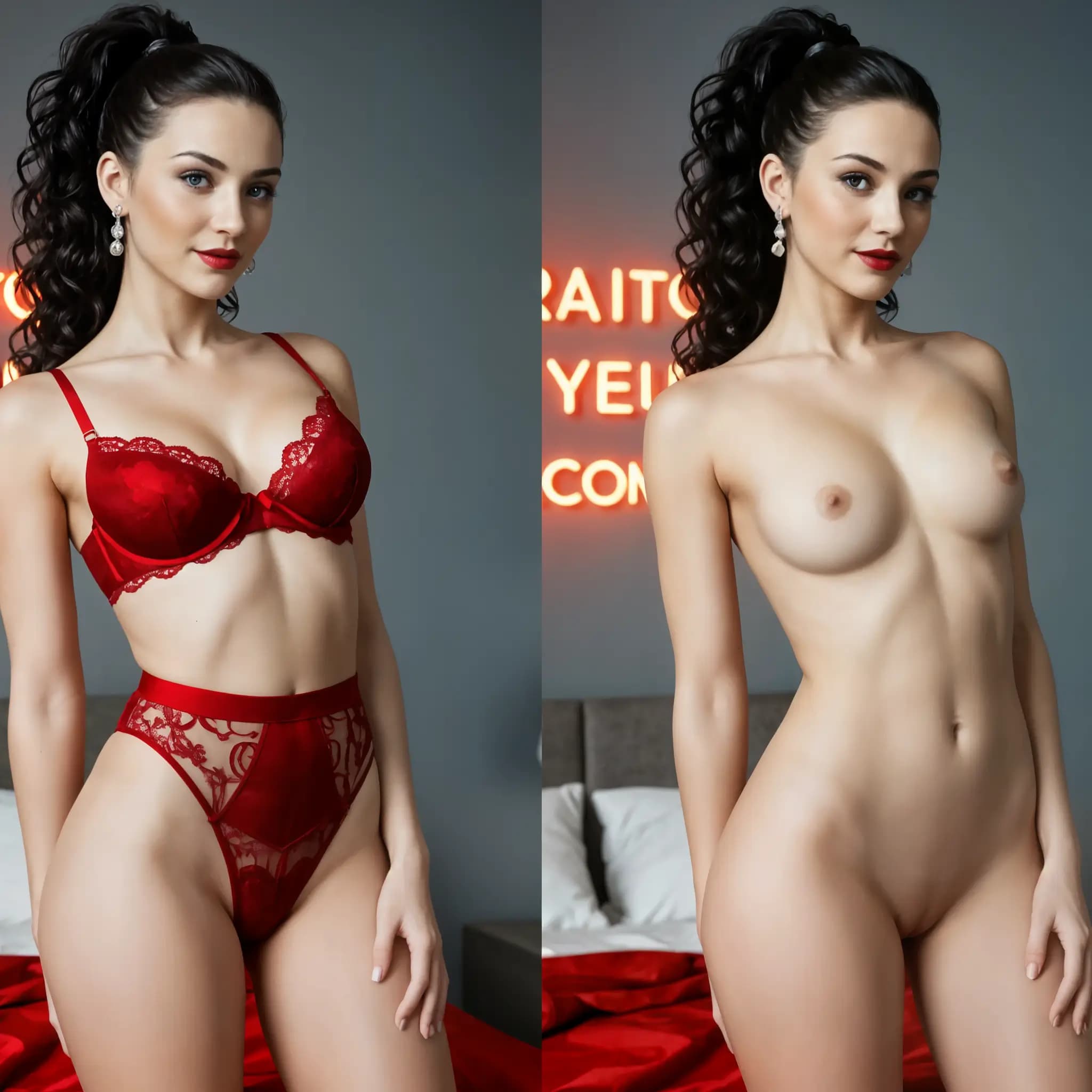
Use Basic for quick drafts at 10 credits per image, or choose Pro at 20 credits when you need cleaner realism, more detail, and stronger prompt adherence.
Write a short prompt for lighting, style, background, and finish. Regenerate with more specific wording when you want a different image edit.
DeepSpicy keeps the Undress AI workflow simple, explains the model choices, and makes privacy, consent, and pricing visible before generation.
This is an image-to-image clothes remover, not a generic text generator. The uploaded photo anchors body pose, camera angle, and composition.
Basic is the affordable default for quick experiments. Pro is better for realistic anatomy, polished detail, and final-quality adult edits.
Required prompts help the model understand the desired look. Add negative prompts when you want to reduce artifacts, unwanted clothing details, or messy backgrounds.
DeepSpicy shows the cost before you create: Basic uses 10 credits per image and Pro uses 20 credits per image.
A focused prompt can guide an Undress AI output toward realistic photography, soft glamour, editorial portraits, or fantasy styling.
Adult image editing needs a direct upload flow, visible consent framing, predictable pricing, and controls that match image-to-image generation.
Many tools force masks, layers, manual retouching, or unrelated settings before you can test a simple adult photo edit.
If a site hides model quality, you cannot tell whether a weak result came from the prompt, the photo, or the model itself.
Creators should know the credit cost before submitting a job. DeepSpicy keeps Basic and Pro pricing visible inside the form.
DeepSpicy keeps the flow direct: upload, prompt, choose a model, and generate.
The uploaded image anchors the scene while your prompt tells the model what kind of adult photo edit to create.
The model reads the uploaded photo for pose, framing, body shape, lighting, camera angle, and visual context.
Your prompt guides the desired final look. A negative prompt can reduce artifacts, distorted details, or unwanted visual elements.
When processing completes, DeepSpicy updates your task, displays the generated image, and keeps it available in recent history.
A focused AI clothes remover workflow with model choice, transparent credits, prompt control, and fast iteration from a single upload.
The page is designed around consenting adult image edits, so the upload, prompt, model, and credit steps are easy to understand.
Choose Basic for fast experiments and Pro for more realistic, polished, and prompt-accurate results.
Upload, generate, and review from one page with account-based credits, recent-task history, and clear generation status.
A clearer fit when you need prompt-guided adult photo editing with model choice, transparent cost, and a private workflow.
| Capability | DeepSpicy | Generic tools |
|---|---|---|
| Basic and Pro model choice | Visible | Often hidden |
| Credit cost before generation | Clear | Often vague |
| Reference-image editing | Primary flow | Mixed workflows |
| Prompt and negative prompt control | Supported | Limited |
| Adult consent framing | Visible | Often absent |
| Recent result history | Built in | Varies |
Choose a one-time credit package for Undress AI image editing.
Starter pack for Undress AI image editing.
Images: up to 50
Basic · Credits per image: 10
More credits for frequent Undress AI users.
Images: up to 350
Basic · Credits per image: 10
Undress AI is an image-to-image adult photo editing workflow. You upload a consenting adult reference image, write a prompt, and the AI creates a transformed image based on that reference.
An AI clothes remover reads the uploaded reference image for pose, framing, and lighting, then uses your prompt to guide the final adult photo edit. DeepSpicy adds Basic and Pro model choices so you can balance speed, cost, and quality.
DeepSpicy is designed as an account-based private editing workflow with upload, generation, and recent history on one page. Use only consenting adult images and review the site privacy policy for full data handling details.
Use only images of consenting adults aged 18 or older. Clear, well-lit photos with simple framing and visible pose usually produce better AI clothes remover edits.
DeepSpicy Undress AI uses credits from an active subscription. Basic costs 10 credits per image and Pro costs 20 credits per image, with the estimated cost shown before you generate.
Private creator
Upload-first flow
The upload-first layout makes the page easy to understand. I can move from reference image to prompt to result without learning a full editor.
Repeat user
Model choice
Having Basic and Pro on the same page makes it simple to choose between quick drafts and higher-quality adult photo edits.

Prompt-focused user
Control
A short prompt is enough to guide lighting, mood, and background without overcomplicating the form.

Quality-minded creator
Iteration
The Pro model is useful when I want cleaner realism, stronger prompt adherence, and fewer retries.
Upload a consenting adult reference image, write a clear prompt, choose Basic or Pro, and generate with transparent credit pricing.